
Healthcare
Modernizing Clinic Infrastructure, Without Downtime
Replacing end-of-life servers without disrupting patient care.
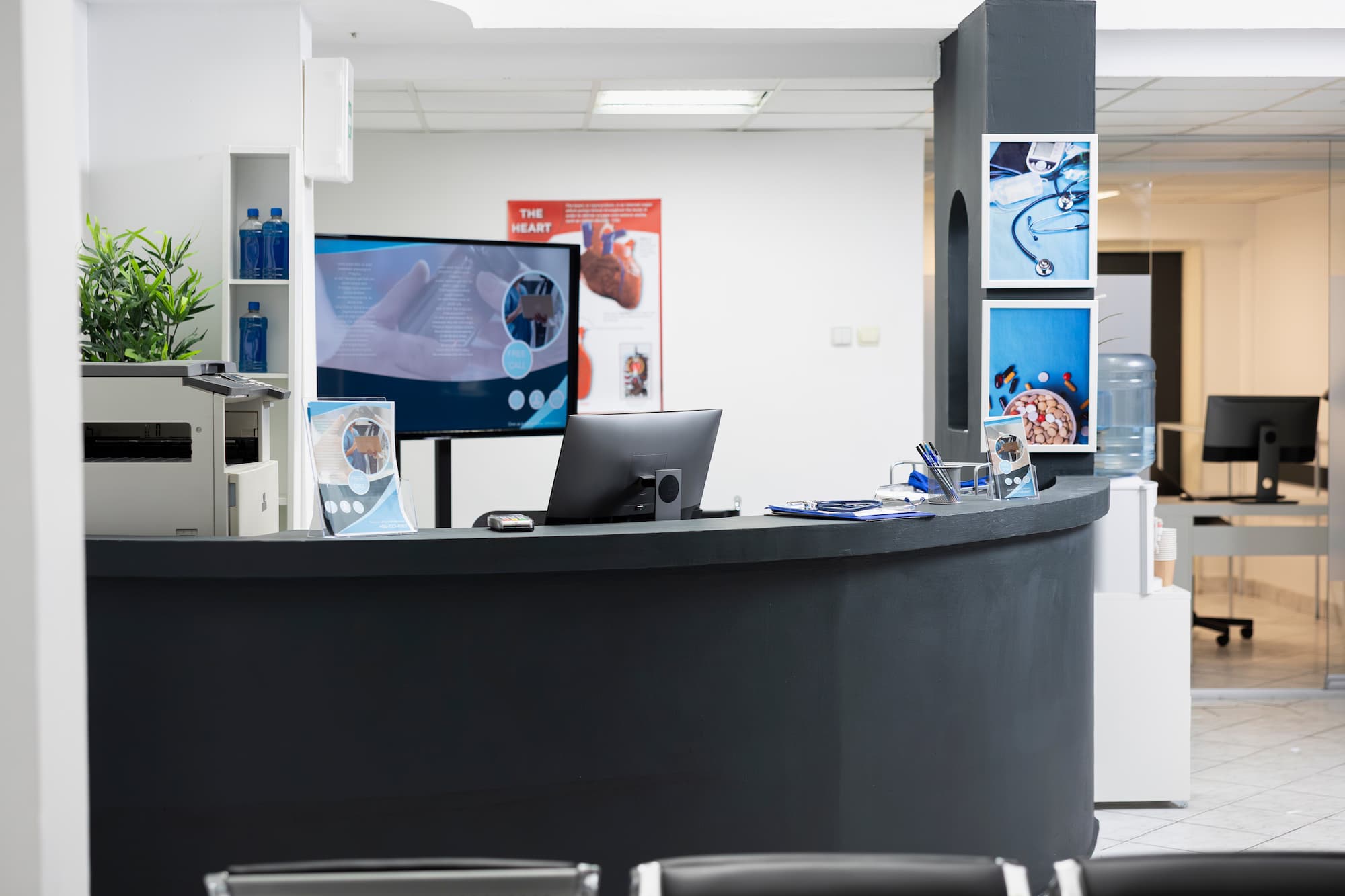
Client Profile
Archibald Dentistry operated an aging Windows Server 2016 environment that carried user authentication, shared files, network addressing and Group Policy for the entire clinic.
Arcadion replaced the end-of-life platform with a new HPE ProLiant server running Windows Server 2022, using a migration-based strategy rather than an in-place upgrade on aging hardware.
User accounts, permissions, shared data and network services were preserved throughout, and the final cutover was completed after hours to protect clinic operations.
The Challenge
Aging Infrastructure Under Daily Clinical Load
Archibald Dentistry relied on an aging Windows Server 2016 environment to operate several core business and network services. The server supported user authentication, workstation connectivity, shared files, network addressing and Group Policy across the clinic. As the infrastructure reached the end of its practical lifecycle, the clinic faced increasing operational and security risks, including:
Because the server hosted services used throughout the clinic, the replacement had to be completed carefully and outside normal business hours. Arcadion was responsible for replacing the legacy platform while preserving user accounts, permissions, shared data and network services.
The Solution
A Migration-Based Modernization Strategy
The new environment was built on an HPE ProLiant ML350 Gen10 server with enterprise-grade processing, 128 GB of ECC memory, redundant power supplies, RAID-protected storage and remote management capabilities. Windows Server 2022 was installed as the new operating platform and configured to support the clinic's essential infrastructure services.
Before making production changes, Arcadion completed a detailed review of the existing environment, including:
The findings were used to create a migration plan, risk assessment, rollback strategy and after-hours cutover schedule.

Arcadion prepared the new Windows Server environment by:

The new server was introduced alongside the existing environment so services could be transferred in controlled stages. Arcadion migrated:
Active Directory: the new server was promoted to a domain controller, configured as a Global Catalog server and validated for healthy directory replication. FSMO roles were transferred, and authentication, SYSVOL and Group Policy processing were tested before the legacy server was removed.
DNS and DHCP: DNS services, forwarders and internal name resolution were validated on the new platform. DHCP scopes, reservations and configuration settings were migrated while maintaining continuity for connected workstations and devices.
File Services: shared files were pre-staged and synchronized to the new server while preserving folder structures, access permissions and NTFS security settings. Staff access and mapped drives were tested before final cutover.
Because the server supported production services used throughout the clinic, the final migration was completed during an approved after-hours maintenance window. This approach allowed Arcadion to:
Once the new server and services were confirmed operational, the legacy Windows Server 2016 environment could be safely decommissioned.
Results and Business Impact
A Supported, Reliable Platform for the Clinic
Most importantly, the clinic's critical technology services were moved away from end-of-life infrastructure without requiring major changes to how staff accessed systems and information.
Technology Used
Supporting Reliable Healthcare Operations
Aging infrastructure creates unnecessary risk for staff productivity and continuity of patient services.
Healthcare and dental clinics depend on technology for scheduling, communications, document access and daily administrative operations. Arcadion helps healthcare organizations replace outdated systems through structured planning, secure migration and carefully managed implementation.

Ready to Modernize Your Clinic Infrastructure?
Let's replace aging systems without disrupting patient care.